Scientific Figures in 10 Min: Gemini 3 Pro + Nano Banana 2
Honestly, scientific illustration used to be the most painful part of my workflow.
I could understand the paper and map the mechanism—but once it was time to draw, everything stalled. BioRender costs money, Illustrator has a steep learning curve, and outsourcing means endless back-and-forth. Spending an entire afternoon on one figure was normal, and revision cycles were even worse.
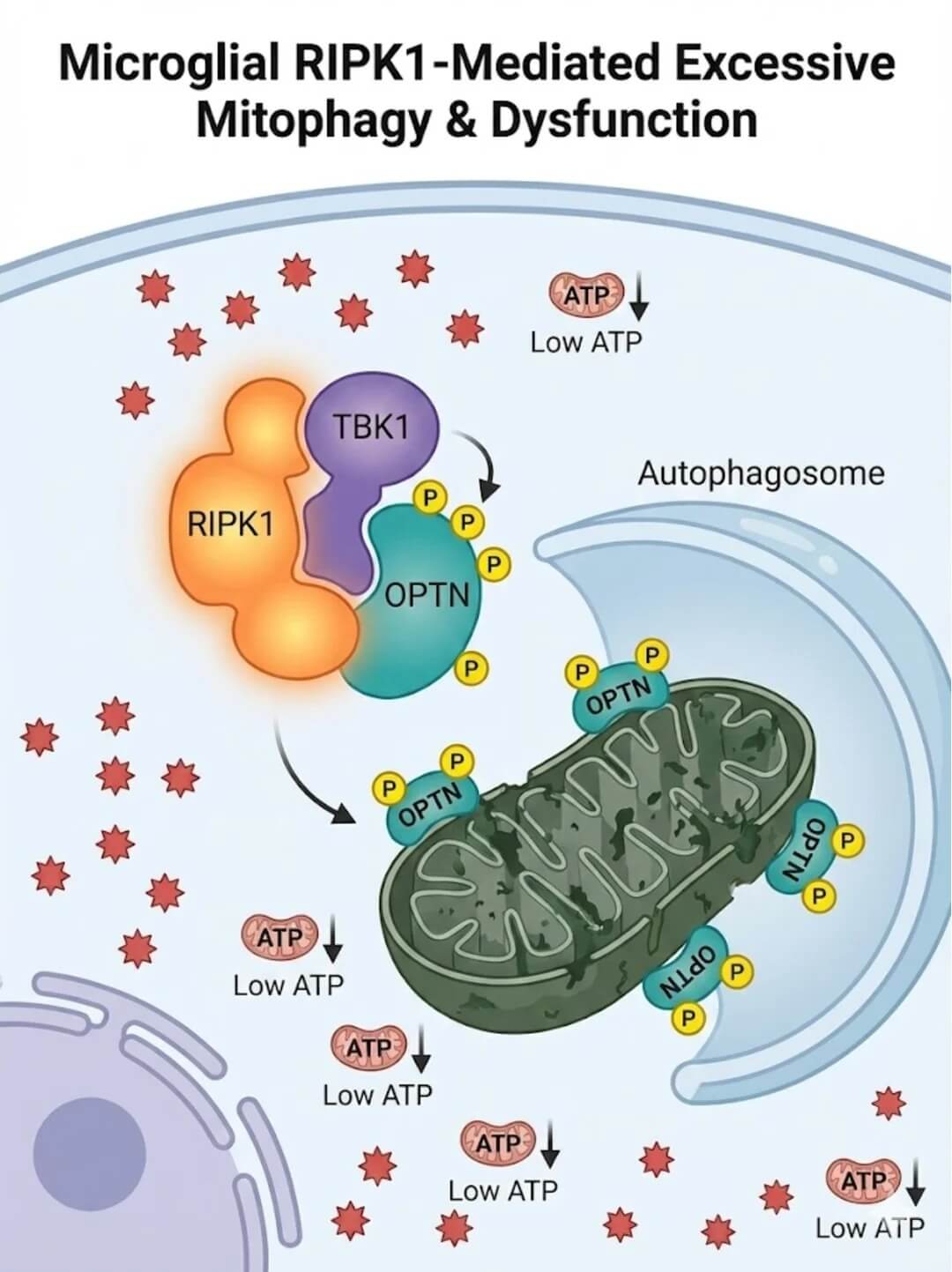
Then I tried Gemini 3 Pro + Nano Banana 2 Pro. The efficiency jump was real: from reading the literature to a figure I was happy with—including light touch-ups—takes under 10 minutes.
Why Gemini 3 Pro leads for this workflow
The biggest difference is one-stop execution.
Many setups force you to hop between tools—summarize the paper in one model, paste the summary into an image model, then iterate prompts by hand. Gemini 3 Pro keeps the flow tight: it reads the paper, extracts the mechanism, and drafts image-ready prompts in one conversation.
For researchers, that means you no longer juggle “literature AI” and “drawing AI.” One chain compresses pathways, molecular interactions, and experimental flow into English prompts you can feed straight into Nano Banana 2 Pro.
My 10-minute workflow (step by step)
Step 1: Feed the paper to Gemini 3 Pro
This step matters most: your prompt quality sets the ceiling for everything downstream. After many trials, this framework works reliably:
You are an experienced scientific illustration designer. Read the following literature carefully. After you understand the core mechanism, key pathways, molecular interactions, and experimental workflow, generate BioRender-style mechanism diagram prompts.

Requirements:
1. Output in English for Nano Banana 2 Pro;
2. List major molecules/cells/organelles and their spatial relationships;
3. Specify arrow directions, activation/inhibition, and key labels;
4. Color style: clean, high contrast, journal-ready BioRender look;
5. Provide 2–3 layout options, each with one line on best use case.

[Paste abstract or full text here]
Send this together with your paper. Gemini 3 Pro returns several strong options in seconds. Skim for obvious mechanistic errors—then you are usually ready to generate.
💡 The full prompt framework is above and works with other LLMs too. Stop getting vague AI answers; start from a spec-style prompt.
Step 2: Switch to Nano Banana 2 Pro
Copy Gemini’s English prompt (English tends to work better for mechanism diagrams). Pro tip: if you need a consistent lab style, upload a reference figure so Nano Banana 2 Pro matches your visual language.
In the Nano Banana image generator:
- Paste the English mechanism prompt;
- Upload a reference image (optional, for lab/journal style consistency);
- Pick aspect ratio (16:9 or 4:3 are common for pathway figures);
- Generate.
Step 3: Grab a coffee while it renders
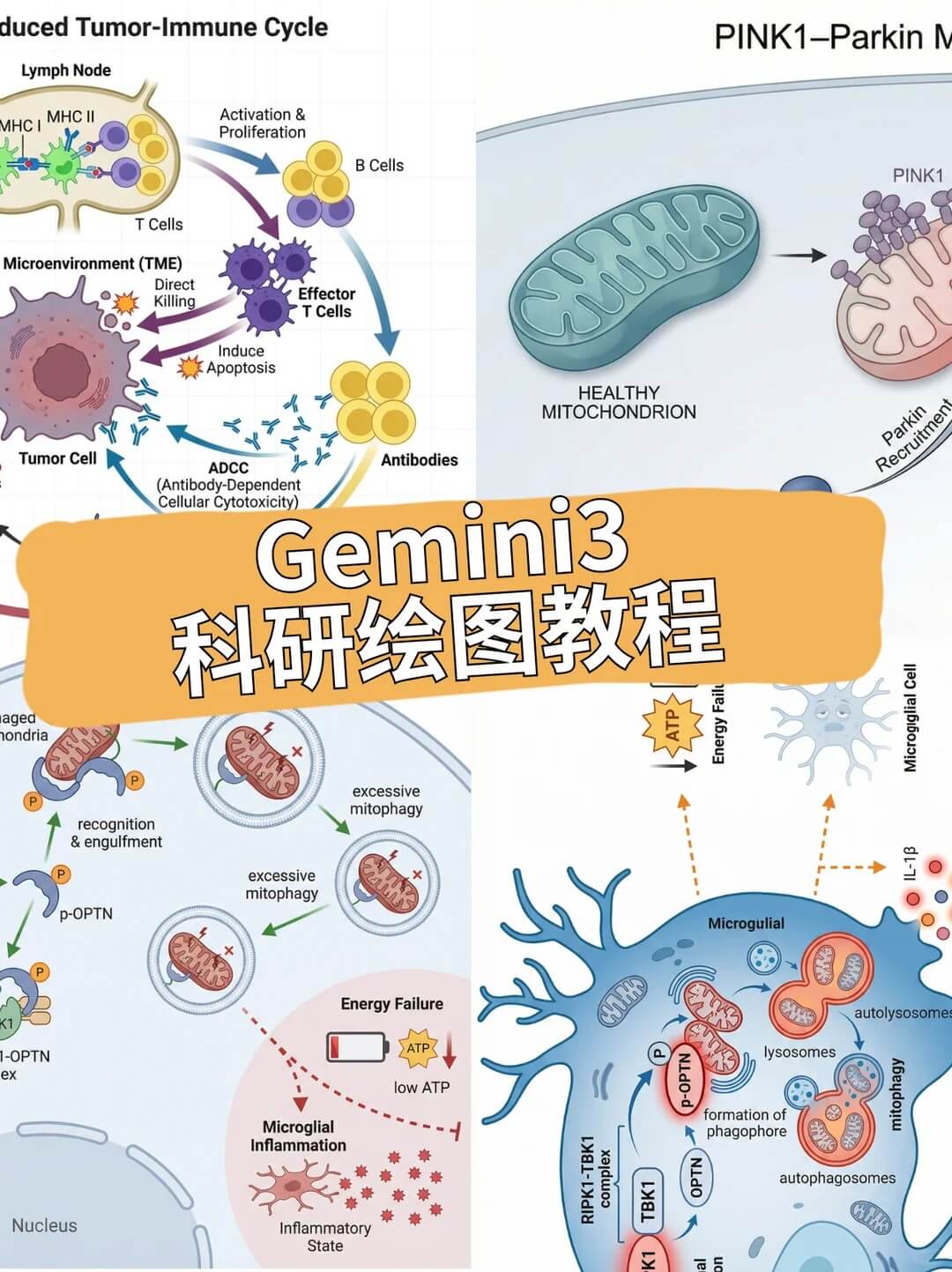
Seriously—often under 60 seconds you get a figure you can drop into a manuscript, poster, or slide deck.
A quick note on vector graphics
Nano Banana outputs PNG raster images. If your journal has AI-image policies—or you expect heavy revisions—spend about a minute in Adobe Illustrator to vectorize.
After conversion, arrows, protein icons, and labels become editable objects: move, recolor, resize, add or remove annotations. Revision rounds no longer require a designer.
Who is this stack for?
- Researchers racing a deadline who need mechanism figures fast
- Anyone building posters or slides without a design background
- Anyone tired of expensive revision loops on outsourced art
Ten minutes end-to-end used to be less time than opening Illustrator and setting up a new file.
FAQ
Q: Can I submit the image as-is?
A: Check your target journal’s AI image policy. Disclose AI assistance in the caption if required, and keep an editable vector version for reviewer requests.
Q: Do I have to use Gemini 3 Pro?
A: No—but it handles long papers and mechanistic reasoning well. You can run the same prompt framework in another LLM, then render with Nano Banana 2 Pro.
Q: English prompts vs. Chinese?
A: On Nano Banana 2 Pro, English prompts usually follow pathway terminology and layout constraints more reliably; add Chinese labels later in Illustrator if needed.
Gemini 3 Pro + Nano Banana 2 Pro is, for me, the strongest AI stack for research figures right now.