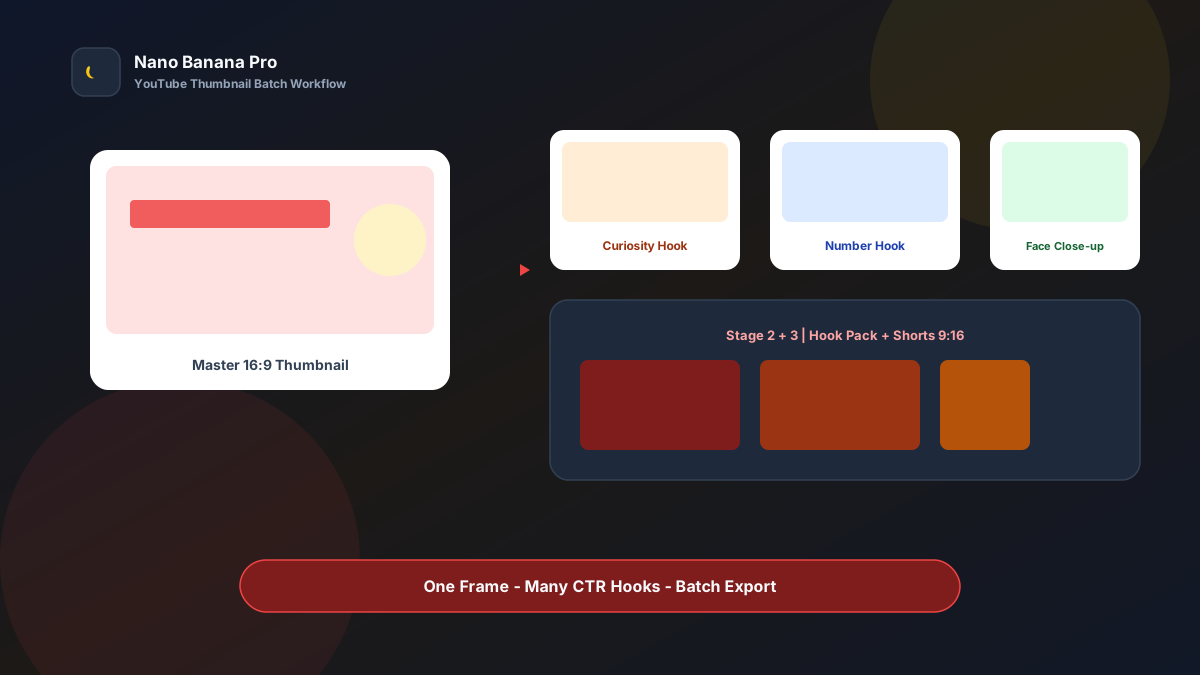
Nano Banana Pro YouTube Thumbnail Batch Workflow
The anxiety creators know best is not “I cannot finish filming”—it is thumbnails that do not get clicked. The same episode must test curiosity hooks, number hooks, and before/after contrast hooks, while shipping 16:9 landscape and Shorts 9:16 at once. Design queues slip and the publish window is gone. Nano Banana Pro with Nano Banana img2img turns “one master cover + three template prompts” into a replicable YouTube thumbnail batch workflow: lock the master first, then batch hook variants and verticals. This article covers the full SOP.
Why Thumbnails Must Prioritize a Master, Then Test Hooks?
Many creators rewrite prompts from scratch every time, so cover style drifts: last week flat illustration, this week studio photography—channel recognition dilutes. The scientific approach is to lock one reusable master cover (Master) first, then only change the title hook or expression focus to test CTR.
Nano Banana Pro builds on the fast generation experience of Nano Banana and suits thumbnail cases that need readable large type, clear faces, and stable brand colors. Split the flow into three steps—Master cover → hook variant matrix → Shorts vertical extension—and you batch-produce testable covers like a pipeline, not a lottery reroll every episode.
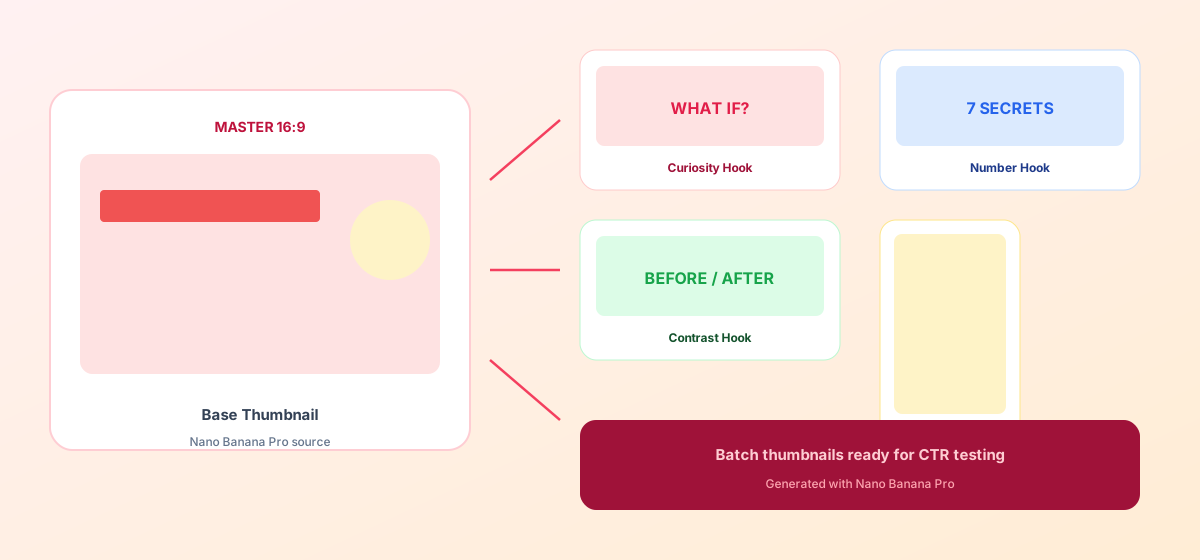
Workflow Overview: One Master, Three Output Types
Follow strict order: after the master is signed off, all hook variants and verticals use it as reference so channel visuals stay consistent. The three prompt templates below can be copied into Nano Banana or Nano Banana Pro—replace [brackets] with your topic details.
| Stage | Output Type | Typical Use | Core Constraints |
|---|---|---|---|
| 1 | Master cover 16:9 | Channel style anchor, default publish art | Lock composition, subject, brand colors |
| 2 | Hook variants A/B/C | CTR testing | Change only title hook or expression focus |
| 3 | Shorts / Reels 9:16 | Vertical traffic slots | Keep key info clear of UI safe zones |
Stage 1: Master Cover (Single Source of Truth)
Use for: tutorials, reviews, vlogs, knowledge talking-head, product demos—any content that needs stable click-through.
Key steps
- Prepare a person photo or product screenshot, brand colors, and this episode’s core keywords (ideally ≤6 Chinese characters or 3 English words).
- Generate a 1280×720 feel 16:9 master cover as the sole reference for later variants.
- Archive with a version name (e.g.,
yt-master-ep12.png); reuse the same visual skeleton across the series.
Generate a YouTube thumbnail master cover, ratio 16:9, high contrast, readable even as a small phone preview;

Main subject: [half-body person / product close-up / UI screenshot] on the [left / right], expression or focal point clear;
Headline must be clearly readable: "[3–6 character hook]", bold heavy type, color [bright yellow / bright white outline], no thin fonts;
Brand accent color [HEX], clean background that does not compete, optional light arrow or circle to guide the eye;
Quality suitable for YouTube and similar covers, overall tone consistent with Nano Banana content standards: high contrast, readable large type, no clutter.
Pro tip: Get information hierarchy right at master stage—eyes hit the words first, then the person/product. In Nano Banana Pro, img2img from Master yields noticeably more series consistency than pure txt2img every episode.
Stage 2: Hook Variant Matrix (Change Only the Click Trigger)
After the master is locked, batch-generate variants by CTR hypothesis. Three high-converting hook types:
- Curiosity hooks: What if / Don’t / The truth is
- Number hooks: 7 methods / 30 minutes / 3× improvement
- Contrast hooks: Before-After / old way vs new way
Based on the uploaded YouTube master cover, generate CTR test variant [A / B / C]: must keep person/product position, brand colors, and overall composition skeleton identical; do not change the style system;

This variant only changes the headline to "[new hook copy]", and may slightly adjust [expression intensity / arrow position / highlight circle];
Keep other elements consistent with the master; large type must stay readable in phone thumbnail size;
Output suitable for Nano Banana Pro batch thumbnail testing.
Nano Banana multi-turn dialogue works well for micro-fixes: “make the headline larger” or “have the person look toward the title”—faster than rewriting the full prompt.
Stage 3: Shorts / Vertical Extension (Same Hook, Vertical Fit)
After landscape testing finds a winning hook, extend to 9:16—avoid rebuilding composition for vertical and breaking series style.
Based on the uploaded YouTube cover, adapt to a 9:16 Shorts / Reels vertical cover;

Strictly keep headline "[hook]", person/product subject, and brand colors; rearrange top/bottom whitespace for vertical;
Keep key text clear of top 12% and bottom 20% (platform UI safe zones); face preferably in the upper-middle third;
Output ready for Shorts, Reels, TikTok covers, style consistent with Nano Banana content standards.
Brand Consistency: Multiple Covers Must Not Look Like Five Channels
The most common batch-thumbnail failure is reskinning every episode—fans stop recognizing you. When building cover matrices in Nano Banana Pro, lock these habits:
- Same visual skeleton: person fixed on one side, title on the other, brand colors fixed
- Type rules: always bold + outline or high-contrast plate; never thin serifs
- Fixed suffix line: “Consistent with Nano Banana YouTube cover standards: high contrast, readable large type, unified series style”
To launch a new series (e.g., “reviews” vs “tutorials”), make a separate Master-v2 per line—do not change composition and hook on the old master at once.
Batch Checklist (Countdown to the Publish Window)
Use this reverse timeline to ship covers on schedule:
| Day | Task | Tool |
|---|---|---|
| D-3 | Define episode keywords and CTR test hypotheses | Topic sheet |
| D-2 | Generate master cover (Template 1), internal review | Nano Banana Pro |
| D-2 | Generate 3 hook variants (Template 2) | Nano Banana Pro |
| D-1 | Extend winning direction to Shorts 9:16 (Template 3) | Nano Banana |
| D-1 | Export, compress, upload to YouTube Studio | Backend |
| D-0 | Read CTR 24–48h after publish; archive winning hooks | Analytics |
Efficiency reference: Once fluent, one episode with 1 master + 3 hooks + 1 vertical takes about 6–10 generations (including tweaks) and can finish within an hour. Weekly creators using the Nano Banana Pro batch workflow turn covers from “inspiration labor” into “testable assets.”
Case Study: Knowledge Talking-Head Channel From Master to Higher CTR
An AI tool review channel published weekly; unstable cover style caused click volatility.
- Input: host half-body photo + product UI screenshot + brand red/yellow palette
- Step 1: Stage 1 template produced a 16:9 Master with title space reserved on the left
- Step 2: Variant A “Don’t use it like this”, Variant B “5 hidden tips”, Variant C “Before / After”
- Step 3: After Variant B led CTR, extend Shorts vertical for synced publish
- Output: 5 upload-ready assets completed entirely in Nano Banana
Creator feedback: the number-hook variant lifted CTR about 18% vs master in 48 hours; series recognition rose clearly. Structured prompts + Nano Banana Pro stable img2img let content teams spend energy on topics and scripts—not redesigning every episode.
Conclusion: Keep Creativity for Topics, Covers for the Workflow
YouTube competition is about CTR and series recognition. When cover production shifts from “redesign every episode” to “Master + hook matrix,” you find reusable click formulas faster. Nano Banana Pro and Nano Banana fit this cover SOP as execution engines—they do not replace creativity; they give creativity a stable visual container.
Before the next publish, lock Master first, then open the three templates—you will find YouTube thumbnail batch generation in Nano Banana as clear and controllable as filling a CTR experiment sheet.
FAQ
Q: Thumbnail text is always blurry or messy—what do I do?
A: Keep headlines to 3–6 Chinese characters (or 2–4 English words). Emphasize “bold heavy type, high contrast, readable in phone thumbnail size” in the prompt. Use Nano Banana Pro img2img at medium strength; avoid generating long sentences in one pass.
Q: Faces warp easily—what do I do?
A: Upload a clear half-body reference and state “keep the same person’s facial features, no face swap.” Fix face issues on Master first, then extend variants—never use a drifted image as the new reference.
Q: How should Nano Banana and Nano Banana Pro divide work?
A: Nano Banana Pro for Master sign-off and high-demand hook variants; Nano Banana for vertical extension and multi-turn tweaks. Templates are shared—pick the entry by account access.