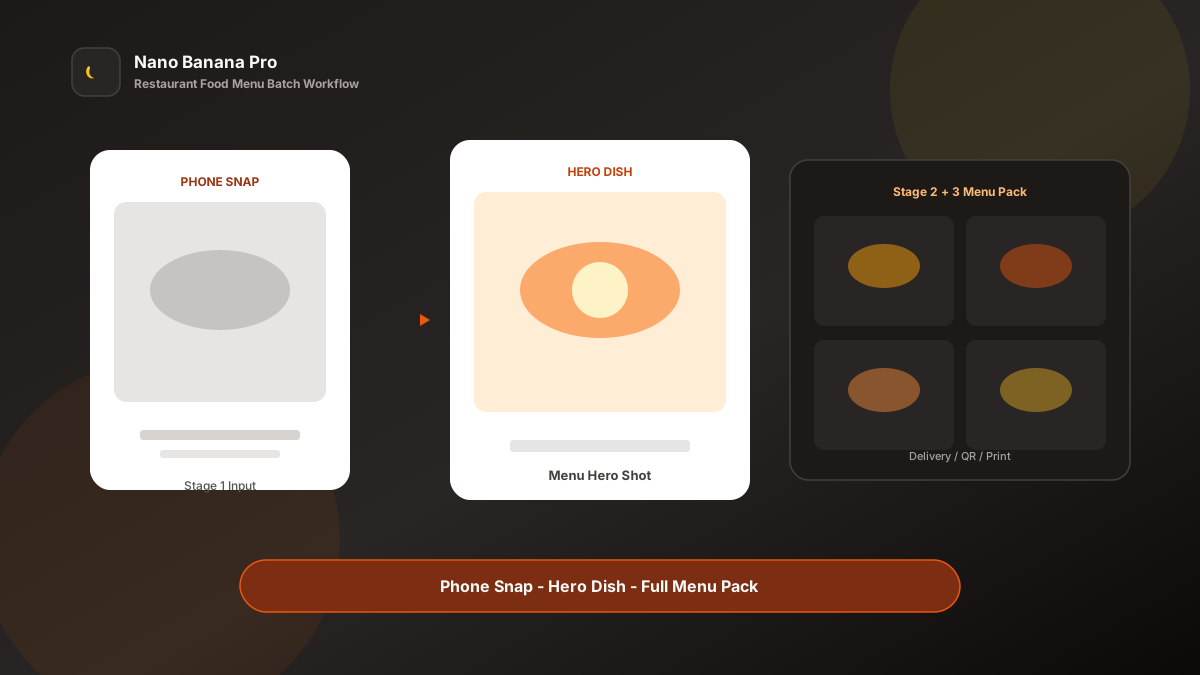
Nano Banana Pro Restaurant Food Menu Batch Workflow
Restaurant owners know the pain is not “the food isn’t good”—it is images that don’t sell: new dishes need hero shots, delivery covers, QR menus, and social posters; photographers book into next week; phone snaps look gray and messy; conversion drops. Nano Banana Pro with Nano Banana img2img turns “one phone dish photo + three template prompts” into a replicable restaurant food menu batch workflow: make the hero dish first, then batch-extend series dishes and multi-channel sizes. This article covers the full SOP.
Why Restaurant Imaging Must Prioritize the Hero Dish, Then Channels?
Many venues “reroll” every dish alone, so the menu looks like a patchwork: some cold-toned, some overexposed, some still showing wrinkled tablecloths. Guests cannot read brand tone, and algorithms ignore inconsistent feeds. The scientific approach is to lock one hero dish image first as the visual anchor, then copy the same lighting and plating logic across the full menu.
Nano Banana Pro builds on the fast generation experience of Nano Banana and suits commercial food cases that need real food materials, steam highlights, and stable brand colors. Split the flow into three steps—hero dish → series dish extension → delivery/print size pack—and you batch-produce like a central kitchen, instead of gambling on every SKU.
Workflow Overview: One Hero, Three Output Types
Follow strict order: after the hero dish is signed off, all series dishes and channel crops use similar lighting and background logic so the menu style does not split. The three prompt templates below can be copied into Nano Banana or Nano Banana Pro—replace [brackets] with your dish details.
| Stage | Output Type | Typical Use | Core Constraints |
|---|---|---|---|
| 1 | Hero Dish | Menu header, signature recommendation | Ingredients recognizable, strong appetite appeal |
| 2 | Series dish images | Full menu, category pages | Unified lighting and background system |
| 3 | Multi-channel size pack | Delivery / social / print | Fit the ratio; keep selling points |
Stage 1: Hero Dish (Store Appetite Anchor)
Use for: signature dishes, seasonal limiteds, new launches, combo hero pushes.
Key steps
- Shoot one relatively clear phone dish photo (messy background is fine) as the img2img reference.
- Generate a 1:1 or 4:5 hero: clean background, subject-first, keep real ingredient structure.
- Archive with a version name (e.g.
hero-signature-pasta-v1.png) as the store-wide visual reference.
Based on the uploaded phone dish photo, generate a restaurant menu hero image: dish [dish name] centered, keep real ingredient shapes and colors, forbid plastic model-food look;

Change background to [light wood / dark stone / solid brand color], clean tabletop, optional sparse [cutlery/herb garnish] that does not steal focus;
Lighting: [side-back appetite light / warm restaurant light], enhance [sauce gloss / steam / crisp texture];
Quality suitable for menus and delivery covers, overall tone consistent with Nano Banana restaurant visual standards: real materials, high appetite appeal, no cluttered background.
Pro tip: State clearly in the prompt “do not change dish structure,” or AI may reshape noodles into something else. In Nano Banana Pro, img2img from a real photo keeps ingredient recognition far more stable than pure txt2img.
Stage 2: Series Dish Extension (One Menu, One Mood)
After the hero sets the tone, batch by category: hot dishes, snacks, drinks, desserts.
Based on the uploaded hero dish lighting style, process this new dish phone photo into a matching store menu image: keep [warm side light + same background material family], dish [new dish name] clear and recognizable;

Require: consistent with the store series style; forbid a new filter on every shot; emphasize [selling-point detail, e.g. cheese pull / crisp skin / layers];
Composition [45° overhead / macro close-up / rule of thirds], clean edges, suitable for **Nano Banana Pro** batch menu production.
Nano Banana multi-turn dialogue works well for micro-fixes: “make the sauce glossier” or “remove extra chopsticks in the background”—faster than rewriting the full prompt. Fix one composition per category to avoid visual jumps on menu pages:
- Mains: 45° half-side to reveal layers
- Snacks: square overhead for grid layouts
- Drinks: vertical whitespace for price bars
Stage 3: Multi-Channel Size Pack (One Dish, Delivery + Print)
After the dish image is locked, extend channel specs—avoid rebuilding composition per platform and causing color drift. Prepare at least these for every hero push:
- 1:1: delivery list thumbnails
- 4:5 / 9:16: social and ordering screens
- Landscape poster: in-store print / deal header
Based on the uploaded dish hero, adapt to [target ratio: 1:1 / 4:5 / 9:16 / 16:9] restaurant placement size;

Strictly keep dish subject, appetite gloss, and brand background logic; only adjust crop and whitespace by ratio;
[9:16 only] reserve bottom 18% for price and "Order now" copy;
[16:9 only] dish on the left, whitespace on the right for combo selling points;
Output ready for delivery backends and print materials, style consistent with Nano Banana restaurant standards.
Brand Consistency: Many Dishes Must Not Look Like Many Stores
The most common batch-menu failure is a new filter on every dish. When building store menus in Nano Banana Pro, lock these habits:
- Same background family: e.g. all light wood grain, or all dark stone texture
- Same color-temperature line: repeat “warm restaurant side light, 3200K feel” in every prompt
- Fixed suffix line: “Consistent with Nano Banana restaurant visual standards: real ingredients, unified lighting, high appetite appeal”
Seasonal menus can open a new Master series (spring fresh / winter hotpot warm red), but do not mix two background systems inside the same season.
Batch Checklist (Countdown to the Launch Window)
Count backward from the launch window:
| Day | Task | Tool |
|---|---|---|
| D-4 | List new dishes and shoot checklist | Store sheet |
| D-3 | Phone-shoot all items (window natural light preferred) | Phone |
| D-2 | Generate hero dish (Template 1) and lock the look | Nano Banana Pro |
| D-2 | Batch series dish images (Template 2) | Nano Banana Pro |
| D-1 | Extend delivery/social/print sizes (Template 3) | Nano Banana |
| D-0 | Upload to delivery platforms and update in-store QR menu | Ops |
Efficiency reference: Once fluent, a single store with ~20 dishes including hero polish and size packs can reach first draft in about 1–2 business days—far faster than waiting on external shooters. Chains using Nano Banana Pro shared templates also reduce brand fracture from per-store DIY shoots.
Case Study: Neighborhood Café From Phone Snaps to Full Delivery Menu
A neighborhood café needed summer new items live in three days with no photography budget.
- Input: 12 phone snaps (uneven window light, cluttered tabletops)
- Step 1: Stage 1 template made a “Yuzu cold brew” hero—light wood background + water-droplet texture
- Step 2: Processed sandwiches, salads, and desserts—11 shots—under the same lighting
- Step 3: Extended 1:1 delivery thumbnails and 9:16 ordering-screen crops
- Output: 35 upload-ready assets, entire pipeline in Nano Banana
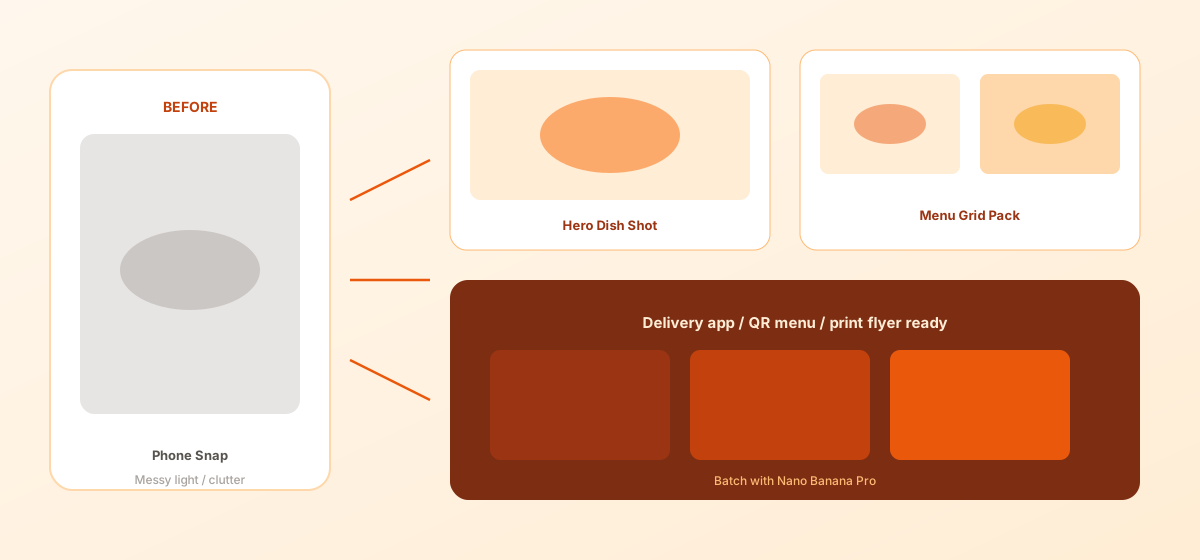
Owner feedback: signature drink CTR rose clearly in week one; guests commented “the photo looks like the real drink”; production cost was under one-tenth of an external shoot quote. Structured prompts + stable Nano Banana Pro img2img let the team spend energy on taste and ops—not waiting on shoot slots.
Conclusion: Keep Creativity for the Dish, Imaging for the Workflow
Restaurant competition is about appetite conversion and launch speed. When dish imaging shifts from “project-based external shoots” to “hero + template extension,” stores can test seasonal menus faster. Nano Banana Pro and Nano Banana fit as the execution engine for this restaurant SOP—not replacing cooking skill, but helping great food get seen sooner.
Before the next launch, lock the hero first, then open the three templates—you will find menu batch imaging in Nano Banana as clear and controllable as a prep checklist.
FAQ
Q: Will AI fake the dish so it looks nothing like the real plate?
A: Always keep the live photo as reference and state “do not change dish structure or colors.” For marketing use, spot-check against the real plate; Nano Banana Pro img2img stays closer to the original dish than pure txt2img.
Q: Which is harder—clear drinks or dark stews?
A: Clear drinks need “real refraction and condensation droplets”; dark stews need “highlight layers, avoid crushed blacks.” Run 2–3 Stage 1 tweaks before batching.
Q: How should Nano Banana and Nano Banana Pro divide work?
A: Nano Banana Pro for hero sign-off and high-demand materials; Nano Banana for series extension and size micro-fixes. Templates are shared—pick the entry by account access.