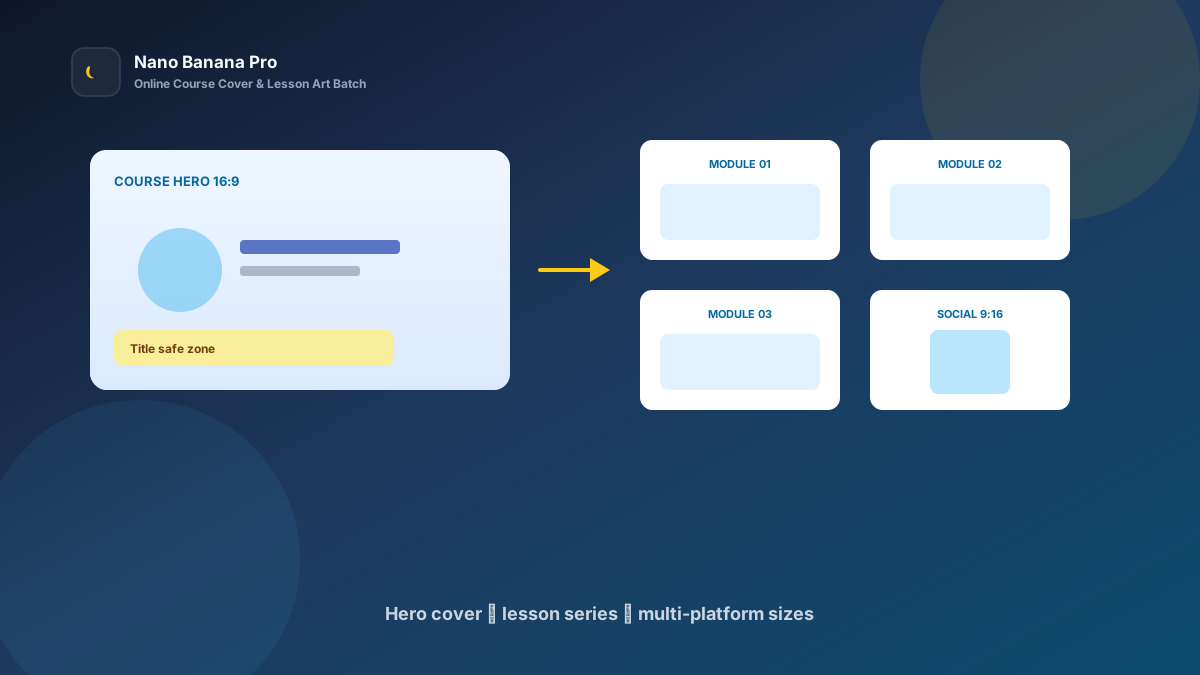
Nano Banana Pro Online Course Cover & Lesson Art Batch Workflow
Knowledge shops fear one thing most: great courses with ugly art. Covers look like last-minute slides, chapter images clash in style, and social teasers need vertical crops. Learners swipe past in the list before they ever open a preview. Nano Banana Pro with Nano Banana img2img and txt2img turns “one course positioning brief + three template prompts” into a replicable online course cover and lesson illustration batch workflow: lock the course hero look first, then batch-extend chapter art and multi-platform sizes. This article covers the full SOP.
Why Course Art Must Set the Cover Tone First, Then Extend Chapters?
Many instructors “reroll” every lesson separately, so lesson one feels illustrated, lesson three photoreal, and lesson five’s color temperature looks like another course. Learners suspect a collage. The scientific approach is to lock one high-recognition course hero (Course Hero) as the visual anchor, then copy the same composition language, palette, and whitespace logic across every chapter image.
Nano Banana Pro builds on the fast generation experience of Nano Banana and suits commercial edtech that needs clear title safe zones, consistent people/icons, and strong series identity. Split the flow into three steps—cover tone-setting → lesson series extension → LMS/social/ad size pack—and you ship new courses like an assembly line.
Workflow Overview: One Hero, Three Output Types
Follow strict order: after the hero cover is signed off, all chapter and channel images carry similar palette and graphic language so the store shelf does not split in style. The three prompt templates below can be copied into Nano Banana or Nano Banana Pro—replace [brackets] with your course details.
| Stage | Output Type | Typical Use | Core Constraints |
|---|---|---|---|
| 1 | Course hero Course Hero | Store list, detail first image | Selling points readable; whitespace for title |
| 2 | Chapter / lesson art | Video covers, handout figures | Unified style; theme recognizable |
| 3 | Multi-platform size pack | LMS / social / ads | Compliant ratios; key info not cropped |
Stage 1: Course Hero Cover (List Click-Rate Anchor)
Use for: knowledge-store lists, indie course pages, bootcamp enrollment heroes.
Key steps
- Write the category, target learner, and core selling point in one sentence before you generate.
- Generate a 16:9 (or platform-required) hero: main visual center-left; reserve title safe zone on the right or bottom.
- Archive with a version name (e.g.
course-hero-python-v1.png) as the full-course style reference.
Generate a store hero cover for an online course: topic [topic name], audience [beginners / professionals / exam candidates], tone [credible professional / friendly approachable / high energy];

Reserve a [right or bottom 25%] title and price-bar safe zone; forbid placing key faces or icons inside the safe zone;
Main visual uses [clean scene / instructor half-body / subject symbol], palette [brand primary + neutral background], avoid cluttered sticker look;
Quality suitable for knowledge-commerce list heroes, tone consistent with Nano Banana edtech visual standards: clear, professional, clickable.
Pro tip: State clearly “title safe zone” and “forbid stacking too much tiny text,” or AI turns the cover into an info wall. In Nano Banana Pro, locking one reference cover then extending with img2img keeps series consistency far higher than pure txt2img every time.
Stage 2: Chapter Art Extension (Unified Lesson & Video Covers)
After the hero sets the tone, batch by outline: intro, core modules, practice, Q&A, graduation.
Based on the uploaded course hero style, generate lesson/video cover art for chapter [chapter title]: keep [same palette system + same graphic language], theme [this chapter keyword] clearly recognizable;

Requirements: belong to the same course as the hero; forbid a new art style every chapter; simple information hierarchy suitable for video openers or handout figures;
Composition [16:9 / 4:3], reserve a short-title zone, suitable for **Nano Banana Pro** batch lesson imaging.
Nano Banana multi-turn dialogue works well for micro-fixes: “make the icon larger,” “cleaner background,” “same instructor silhouette”—faster than rewriting the full prompt. Fix chapter naming and order for ops uploads:
- Hero cover: store list and detail
- Modules 1–N: matching video/handout
- Practice / homework
- Graduation / certificate promo
Stage 3: Multi-Platform Size Pack (LMS, Social, Ads at Once)
After course art is locked, extend channel specs—avoid re-cropping per platform and cutting off selling points. Prepare at least these per course:
- 16:9 / 4:3: LMS, store detail, live-class openers
- 1:1 / 4:5: social discovery and Moments-style posts
- 9:16: short-video covers and vertical feed ads
Based on the uploaded course hero, adapt to [target ratio: 16:9 / 4:3 / 1:1 / 4:5 / 9:16] edtech placement size;

Strictly preserve hero recognition points, brand palette, and professional tone; only adjust crop and whitespace by ratio;
[9:16 only] keep key faces and course name clear of the bottom 18% subtitle/button zone;
[1:1 only] keep the course theme symbol fully in frame; avoid cropping into a partial close-up;
Output ready for LMS and social, style consistent with Nano Banana edtech standards.
Brand Consistency: Many Courses Must Not Look Like Different Designers Made Them
The most common batch-course failure is a new art style on every course. When building knowledge-brand / institute libraries in Nano Banana Pro, lock these habits:
- Same palette line: e.g. all “deep blue primary + warm yellow accent + light gray background”
- Same safe-zone rules: title-zone ratio; forbid info walls
- Fixed suffix line: “Consistent with Nano Banana edtech visual standards: clear and professional, series-unified, no over-decoration”
If you use a real instructor likeness, lock a reference image and state “keep the same facial features and hairstyle” to avoid a “different person” feel across chapters.
Batch Checklist (Countdown to the Launch Window)
Count backward from the course launch window:
| Day | Task | Tool |
|---|---|---|
| D-5 | Outline course name, selling points, chapter list, and brand colors | Sheet |
| D-4 | Generate course hero (Template 1) and lock the look | Nano Banana Pro |
| D-3 | Batch chapter / lesson art (Template 2) | Nano Banana Pro |
| D-2 | Extend LMS / social / ad sizes (Template 3) | Nano Banana |
| D-1 | Proof safe zones, typos, and brand consistency | Design / ops |
| D-0 | Upload to store and sync social teasers | Ops |
Efficiency reference: Once fluent, an 8–12 chapter course yields hero + chapter draft art in half a day. Teams using Nano Banana Pro shared templates also reduce shelf fracture from assistants applying their own aesthetics.
Case Study: Indie Instructor Launched a Skills Course in 72 Hours
An indie instructor needed a “Workplace Excel Efficiency” course live before the weekend; the designer calendar was full.
- Input: course name, selling copy, 10-chapter outline, brand primary HEX
- Step 1: Stage 1 template made a 16:9 hero with title safe zone reserved
- Step 2: Batch-generated 10 chapter images in the same style
- Step 3: Extended 1:1 social art and 9:16 short-video covers
- Output: Upload-ready asset pack, entire pipeline in Nano Banana
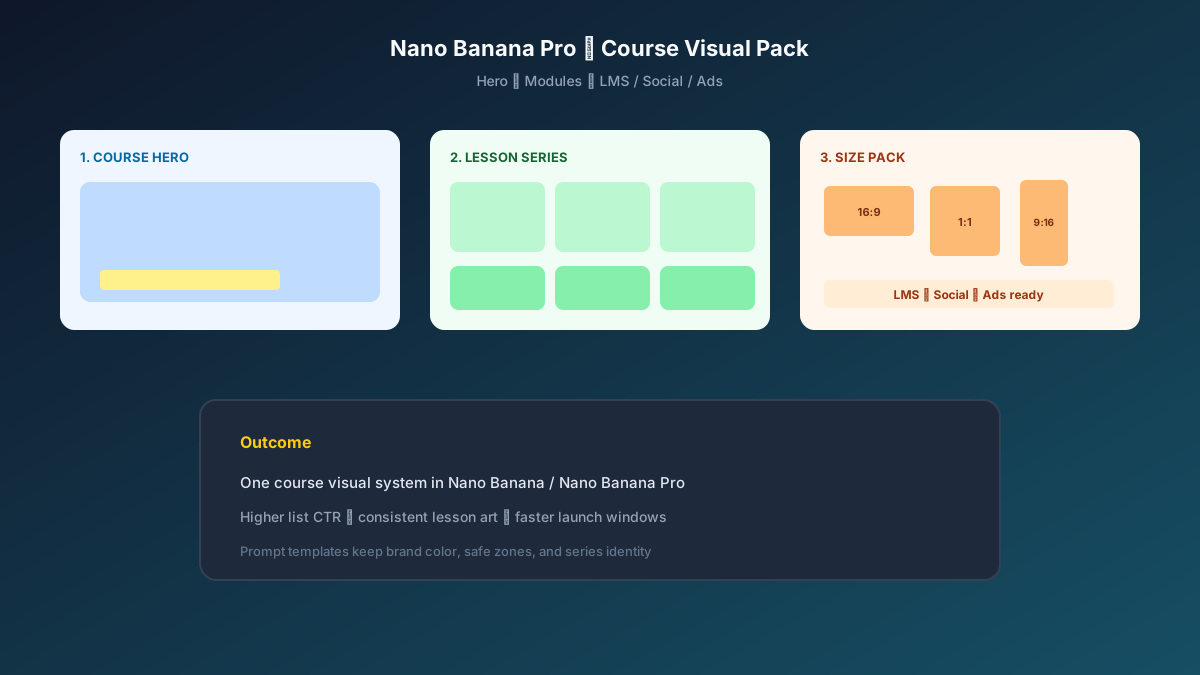
Instructor feedback: store-list CTR rose clearly versus old art; learners messaged that “the cover looks professional”; production cost was far below rush outsourcing. Structured prompts + stable Nano Banana Pro series imaging let the content team spend time on teaching and Q&A.
Conclusion: Leave Trust to Content, Leave Series Identity to the Workflow
Online education competition is about hero click-through and learning expectations. When course art shifts from “last-minute collage” to “hero + template extension,” knowledge shops grab launch windows faster. Nano Banana Pro and Nano Banana fit as the execution engine for this edtech SOP—not stacking effects, but helping course value be understood at first glance.
Before your next launch, lock the hero first, then open the three templates—you will find batch course imaging in Nano Banana as clear and controllable as a teaching outline.
FAQ
Q: Will the cover look like an ad poster and feel unprofessional?
A: Emphasize in the prompt “clean and professional, reserve title safe zone, forbid info walls.” Institutes should lock palette and suffix rules; Nano Banana Pro img2img extension is more stable than rerolling every image.
Q: Many chapters—style drifts easily. What then?
A: Always upload the hero as reference and write “same palette and graphic language.” Spot-check 2–3 chapters first, then batch after sign-off.
Q: How should Nano Banana and Nano Banana Pro divide work?
A: Nano Banana Pro for hero sign-off and high-demand series consistency; Nano Banana for size extension and micro-fixes. Templates are shared—pick the entry by account access.