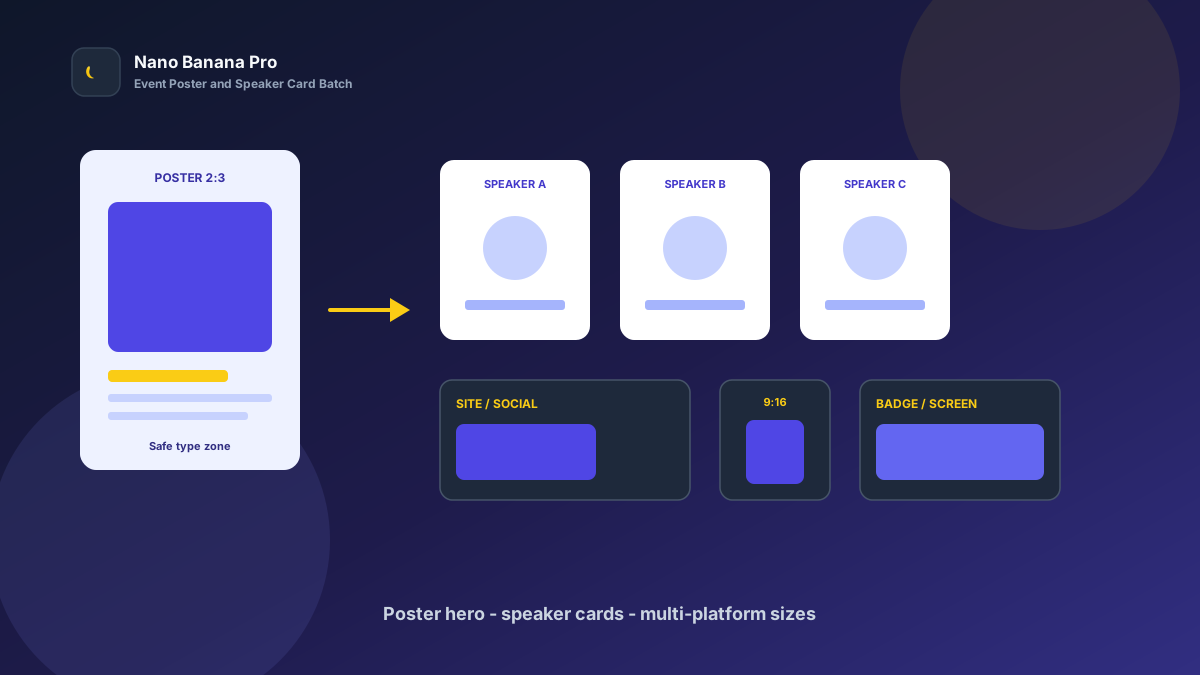
Nano Banana Pro Event Poster & Speaker Card Batch
Event launches fear one thing most: a packed agenda dragged down by scattered posters. The hero palette jumps around, speaker cards clash in style, and the site, social, and venue screens need different ratios. Viewers swipe past before they even catch the time and place. Nano Banana Pro with Nano Banana img2img turns “one hero reference + three template prompts” into a replicable event poster and speaker-card batch workflow: lock the main poster look first, then batch-extend speaker cards and multi-platform sizes. This article covers the full SOP.
Why Event Visuals Must Set the Poster Tone First, Then Layer Speakers?
Many event coordinators “reroll” every asset alone, so the main poster feels cold, the opening speaker goes warm, and the agenda vertical uses yet another filter. Viewers suspect a patchwork event. The scientific approach is to lock one high-recognition event poster (Event Hero) as the visual anchor, then copy the same palette, lighting, and text safe zones across every speaker card.
Nano Banana Pro builds on the fast generation experience of Nano Banana and suits commercial event cases that need stable person recognition, clear overlay zones, and readability on both venue screens and phones. Split the flow into three steps—poster tone-setting → speaker-series extension → site/social/venue-screen size pack—and you ship like an event assembly line.
Workflow Overview: One Hero, Three Output Types
Follow strict order: after the main event poster is signed off, all speaker cards and channel images carry similar color temperature and composition language so the event identity does not split. The three prompt templates below can be copied into Nano Banana / Nano Banana Pro—replace [brackets] with your event details.
| Stage | Output Type | Typical Use | Core Constraints |
|---|---|---|---|
| 1 | Event poster Event Hero | Site hero, registration page, key visual | Strong recognition; safe text zones |
| 2 | Speaker / agenda cards | Speaker wall, agenda page | Unified style; people distinguishable |
| 3 | Multi-platform size pack | Social / short video / venue screen | Compliant ratios; subject not cropped |
Stage 1: Event Hero Poster (Registration Click-Rate Anchor)
Use for: event site heroes, registration-page key visuals, roll-up banners, and press images.
Key steps:
- Pick the most representative venue photo, brand color, or concept mood board as the reference.
- Generate a 2:3 or platform-required poster: lock the main palette and reserve safe zones for the event name, date, and place.
- Archive with a version name (e.g.
event-hero-summit-v1.png) as the full-event visual reference.
Based on the uploaded event reference, generate an event hero poster: type [industry summit / workshop / launch / offline salon], stable composition, subject [stage light / abstract graphic / city night] centered slightly high;

Lock palette to [indigo + amber / black-gold / brand primary], lighting [stage spotlight / soft hall light / city night];
Reserve the bottom 22% and upper-left corner as safe zones for the event name, date, and place; forbid packing faces or core graphics into text areas;
Quality suitable for registration pages and print previews, tone consistent with Nano Banana event visual standards: strong recognition, clear information, series-extendable.
Pro tip: State clearly “palette lock” and “text safe zones,” or AI may fill the frame with the stage or a face so the event name gets crushed. In Nano Banana Pro, img2img from a reference keeps the key visual far more stable than pure txt2img.
Stage 2: Speaker-Card Series (Unified Speaker-Wall Tone)
After the poster sets the tone, batch by agenda: keynote, panel speakers, host cards, and agenda time cards.
Based on the uploaded event-poster palette and lighting, process this speaker reference into a same-event speaker card: keep [same palette + same lighting], role [keynote / panel / host] distinguishable;

Requirements: match the hero poster style; forbid a new filter on every card; keep recognizable facial features and clothing color; do not invent titles or company marks;
Composition [vertical half-body, centered], reserve the bottom for name and title, suitable for **Nano Banana Pro** batch speaker-wall production.
Nano Banana multi-turn dialogue works well for micro-fixes: “unify color temperature,” “cleaner name zone,” “more complete shoulders”—faster than rewriting the full prompt. Fix speaker order to lift browse completion:
- Event hero poster: full-event recognition anchor
- Keynote speaker: half-body portrait + title zone
- Panel / host: same palette, slightly smaller framing
- Agenda cards: more whitespace for time and topic overlays
Stage 3: Multi-Platform Size Pack (Site, Social, Venue Screens at Once)
After posters and speaker cards are locked, extend channel specs—avoid re-cropping per platform and cutting off faces or the event name. Prepare at least these per event:
- 2:3 / 3:4: registration page, roll-up banner, speaker wall
- 16:9 / 1:1: site banner, social teaser, Moments-style posts
- 9:16: short-video covers, Stories, vertical venue screens
Based on the uploaded event hero poster, adapt to [target ratio: 2:3 / 3:4 / 16:9 / 1:1 / 9:16] event placement size;

Strictly preserve main palette, subject recognition points, and clean tone; only adjust crop and whitespace by ratio;
[9:16 only] keep faces and the event name clear of the bottom 18% subtitle/button zone;
[16:9 only] keep left-right stage depth; avoid cropping into a cramped close-up;
Output ready for sites and social, style consistent with Nano Banana event standards.
Brand Consistency: One Event Must Not Look Like Three Events Stitched Together
The most common batch event-visual failure is a new color temperature on every speaker. When building organizer libraries in Nano Banana Pro, lock these habits:
- Same palette line: e.g. all “indigo ground + amber highlights”
- Same safe-zone rules: reserve the bottom for names/times and corners for logos
- Fixed suffix line: “Consistent with Nano Banana event visual standards: strong recognition, readable information, no over-noise”
For “last year’s poster vs this year’s hero” comparisons, clearly label Before/After and keep verifiable original references for brand and sponsor review.
Batch Checklist (Countdown to Event Day)
Count backward from event day:
| Day | Task | Tool |
|---|---|---|
| D-10 | Lock theme, palette, venue references, and speaker list | Sheet / mood board |
| D-7 | Generate the event hero poster (Template 1) and lock the look | Nano Banana Pro |
| D-5 | Batch speaker cards and agenda cards (Template 2) | Nano Banana Pro |
| D-3 | Extend site / social / venue-screen sizes (Template 3) | Nano Banana |
| D-2 | Type overlay export and per-channel spec QA | Design tools |
| D-0 | Publish the registration page and sync teasers plus venue screens | Events |
Efficiency reference: Once fluent, one mid-size event yields about 12–20 finished frames (hero poster + speaker cards + size pack); first drafts can finish in 2–3 days. Teams using Nano Banana Pro shared templates also reduce identity fracture from designers applying their own filters.
Case Study: Organizer Ready a Full Summit Visual Pack in 5 Days
An industry organizer needed the registration page live next Wednesday; the freelance designer had a scheduling conflict, and old assets looked dark in mobile feeds with inconsistent speaker-card styles.
- Input: 4 venue references + 8 speaker photos (uneven lighting)
- Step 1: Stage 1 template made an indigo + amber hero poster with event-name and date zones
- Step 2: Extended 6 speaker cards and 2 agenda cards in the same palette
- Step 3: Extended a 16:9 site banner and 9:16 short-video covers
- Output: Type-ready launch pack, entire pipeline in Nano Banana
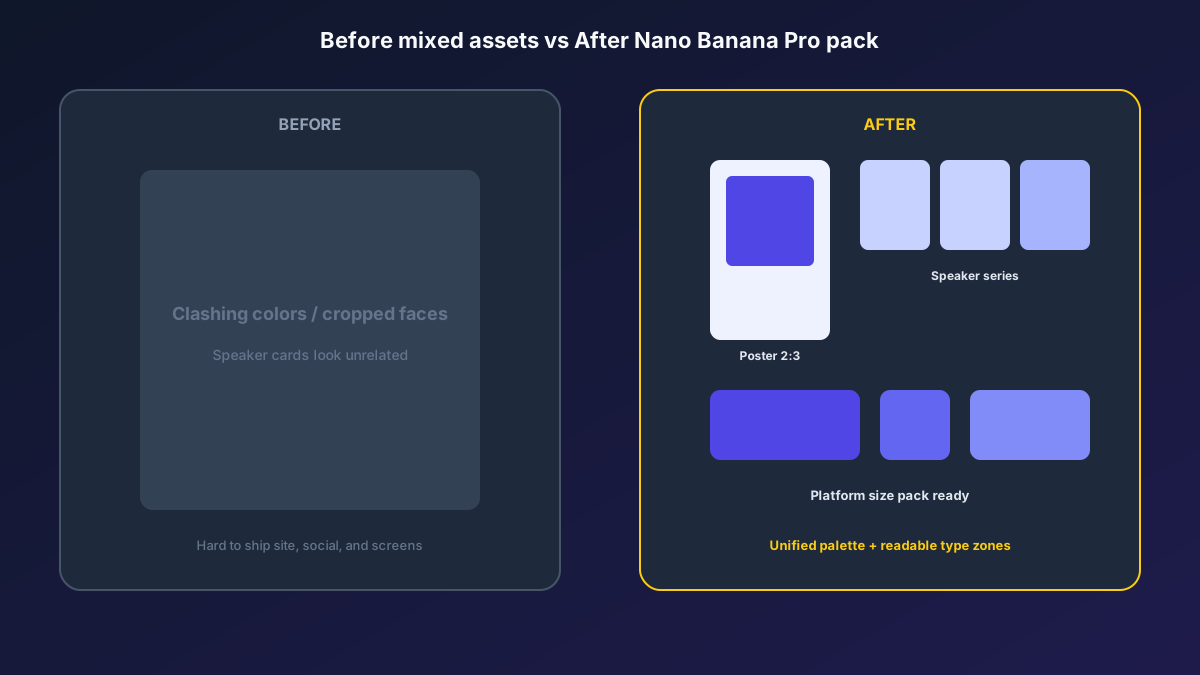
Organizer feedback: registration-page dwell and clicks rose clearly versus old art; arriving speakers felt “it is the same event as the poster”; production cost was far below rush freelancers. Structured prompts + stable Nano Banana Pro img2img let the events team spend time on the agenda and sponsor coordination.
Conclusion: Leave Memory to the Agenda, Leave Imaging to the Workflow
Event competition is about key-visual clicks and on-site consistency. When assets shift from “wait for a designer slot” to “hero poster + template extension,” organizers catch registration windows faster. Nano Banana Pro and Nano Banana fit as the execution engine for this event SOP—not random face swaps, but helping one event be seen more clearly and extended more stably.
Before the next date lock, lock the hero poster first, then open the three templates—you will find event batch imaging in Nano Banana as clear and controllable as an agenda.
FAQ
Q: Will speaker faces look too fake and trigger complaints?
A: Always keep photo references and state “do not change recognizable facial features, and do not invent titles.” Archive finals with original photos for review; Nano Banana Pro img2img stays closer to the person than pure txt2img.
Q: The event name covers key graphics after overlay—what then?
A: Emphasize in the prompt “reserve text safe zones.” Spot-check more with type overlays at the hero stage; only then batch speaker cards.
Q: How should Nano Banana and Nano Banana Pro divide work?
A: Nano Banana Pro for hero-poster sign-off and high-demand consistency; Nano Banana for speaker-series extension and size micro-fixes. Templates are shared—pick the entry by account access.