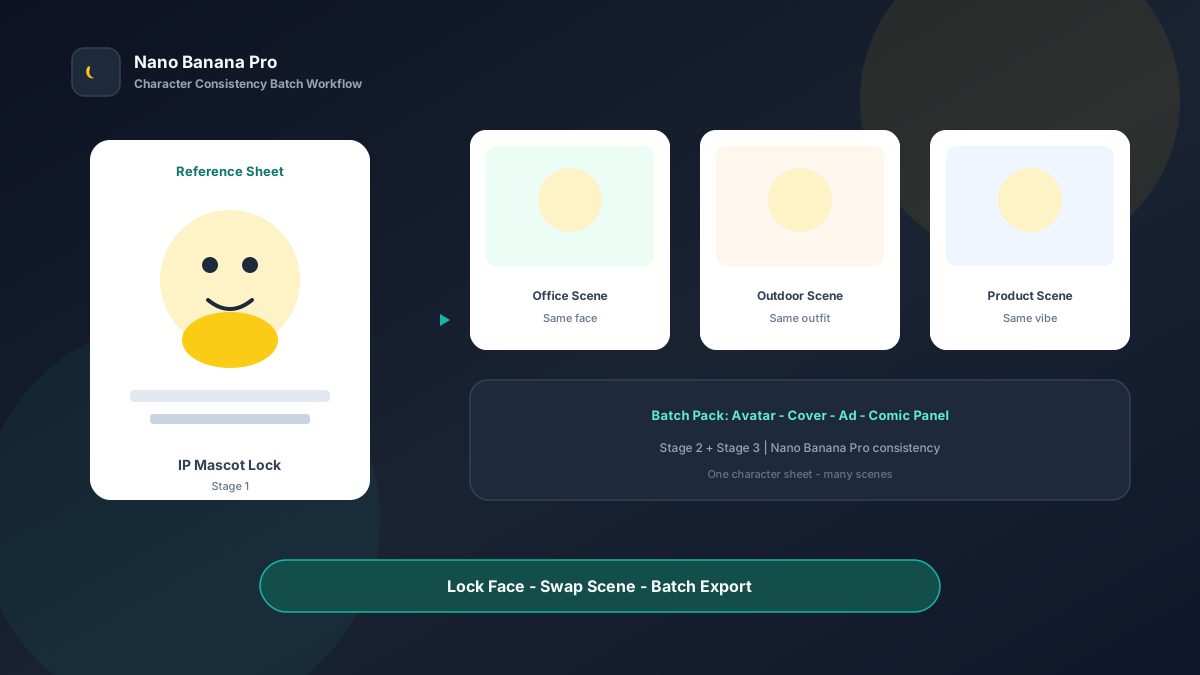
Nano Banana Pro Character Consistency: IP Mascot Batch Workflow
Brands fear one thing above all with IP: today’s output looks like character A, tomorrow like B—facial drift, costume color shifts, expression systems collapsing. Fans spot it instantly: “that’s not the same character.” Whether you run a brand mascot, a course virtual teacher, or a fixed short-video persona, character consistency matters more than a single “pretty” image. Nano Banana Pro paired with Nano Banana img2img turns “one character reference sheet + three template prompts” into a replicable character-consistency multi-scene batch workflow: lock face and costume first, then batch scenes and series assets. This article walks through the full SOP.
Why IP / Virtual Personas Must “Lock First, Then Extend”
Pure text-to-image randomness suits brainstorming, not brand assets—the same prompt run 10 times may change hair, eye color, or body type. Once a content account’s persona drifts, trust cost rises immediately.
Nano Banana Pro builds on the fast generation experience of Nano Banana and suits commercial cases needing stable composition anchors, clear facial features, and readable costume detail. Split the flow into three steps—Character Reference Sheet → multi-scene extension → series asset pack—and you batch-produce “still the same person” like an assembly line, not a lottery reroll every image.
Workflow Overview: One Reference Sheet, Three Output Types
Follow strict order: after the reference sheet is signed off, all scene images and assets must use it as reference to avoid series style drift. The three prompt templates below can be copied directly into Nano Banana or Nano Banana Pro—replace [brackets] with your character details.
| Stage | Output Type | Typical Use | Core Constraints |
|---|---|---|---|
| 1 | Character Reference Sheet | Internal alignment, future reference source | Lock face, hair, costume, palette once |
| 2 | Multi-scene extension images | Social, ads, course covers | Keep identity; change only environment & action |
| 3 | Series asset pack | Avatars, covers, storyboards, stickers | Unified visual system, platform-ready specs |
Stage 1: Character Reference Sheet (Single Source of Truth)
Use for: brand mascots, VTubers, course personas, comic characters, product spokespersons.
Key steps
- Write out age feel, hair, eye color, costume, signature prop, and personality tone in text or sketch first.
- Generate a clean front half-body + three-view-leaning sheet (white or light-gray background) as the sole reference.
- Archive with a version name (e.g.,
ip-mascot-v1.png); ban mixing old versions across the team.
Generate a brand IP character reference sheet, clean light-gray background, character [Character name] centered half-body to knees, front slightly 3/4 view;
Character lock: [age feel and gender vibe], hair [hair description], eye color [color], costume [top/bottom/accessories], signature prop [prop];
Facial features clear and fixed, gentle friendly expression, no face-swap or exaggerated deformation;
Art style: [flat illustration / 3D render / semi-realistic], palette [primary HEX + secondary], crisp edges, suitable for later img2img extension;
Overall tone consistent with Nano Banana brand content standards: high clarity, character consistency, no cluttered background.
Pro tip: Do not pack complex scenes into the sheet stage—scenes belong in Stage 2. In Nano Banana Pro, img2img from the sheet is noticeably more stable than pure txt2img rerolls.
Stage 2: Multi-Scene Extension (Change Environment, Not the Person)
After the sheet is locked, use img2img to batch-generate the same character in different scenes.
Based on uploaded character sheet, generate full scene of same character: must keep [Character name] face, hair, eye color, costume primary colors and signature prop identical; no face/hair/body swap;
New scene: [cafe / office / outdoor stage / product display], action: [wave / explain / hold product / run], light: [natural / soft studio / stage spot];
Framing: [half / full body], character [40%–60%] of frame, background serves narrative without stealing focus;
Social-ad quality, suitable Nano Banana Pro batch, keep series character consistency.
Nano Banana multi-turn dialogue works well for micro-fixes: “change the backpack back to sheet orange” or “eyes slightly toward camera”—more efficient than rewriting the full prompt.
Stage 3: Series Asset Pack (One Persona, Multiple Platform Specs)
Brands need more than scene shots—they need platform-ready specs. Each IP should produce the following (optional expression variants—happy, thinking, surprised—can be added on the same face):
- Circular / square avatar: clean background, face centered.
- Horizontal cover: character on the right, copy space on the left.
- Vertical poster / Story: full or half body, bottom CTA safe zone.
Based on uploaded character sheet, generate [asset type: avatar / horizontal cover / vertical poster];
Strictly keep character face, hair, costume consistent with reference sheet; spec requirements: [1:1 avatar centered with margin / 16:9 left 35% copy space / 9:16 bottom 20% safe zone];
Expression: [smile / professional explain / surprised], background: [solid brand color / light scene blur];
Output suitable for direct use on social and ads, style consistent with Nano Banana content standards.
Brand Consistency: Multi-Scene Without “Five Different Characters”
The most common batch failure is feature drift. When building IP series in Nano Banana Pro, lock these habits:
- Same Reference Sheet as sole reference: all scenes and assets img2img from one source file
- Fixed feature checklist: repeat in every prompt—e.g., “short black hair, amber eyes, orange hoodie, left-wrist badge”
- Fixed suffix line: “Consistent with Nano Banana character-consistency standards: same face, same costume logic, no random outfit changes”
If the character needs outfit variants (e.g., winter coat), generate a separate costume variant reference sheet v2 and extend from there—do not temporarily change clothes in scene prompts.
Batch Checklist (IP Launch Countdown)
Use this reverse timeline to ship a new IP persona on schedule:
| Day | Task | Tool |
|---|---|---|
| D-5 | Write character bible | Docs |
| D-4 | Generate Reference Sheet (Template 1), review | Nano Banana Pro |
| D-3 | Batch 4–8 scene extensions (Template 2) | Nano Banana Pro |
| D-2 | Output avatar/cover/poster pack (Template 3) | Nano Banana |
| D-1 | Spot-check face consistency, replace drift | Human + AI |
| D-0 | Upload channels + archive sheet version | Ops |
Efficiency reference: Once fluent, a single IP with 1 reference sheet + 6 scene extensions + 4 assets takes about 10–15 generations (including tweaks), deliverable in 1–2 business days. For weekly persona content, the Nano Banana Pro batch workflow significantly reduces face-swap failure rates.
Case Study: Education Brand Virtual Tutor From Sheet to Full-Channel Assets
An online education team launched virtual tutor “Ana” and needed avatar, course cover, social scene images, and ad vertical—all within one week.
- Input: text character bible + one hand sketch
- Step 1: Stage 1 template on light-gray background; locked short hair, round glasses, teal jacket
- Step 2: Extended cafe lecture, desk Q&A, and stage class scenes—all img2img from the sheet
- Step 3: Exported 1:1 avatar, 16:9 course cover, 9:16 Story poster
- Output: 8 upload-ready assets in Nano Banana, no live model shoot
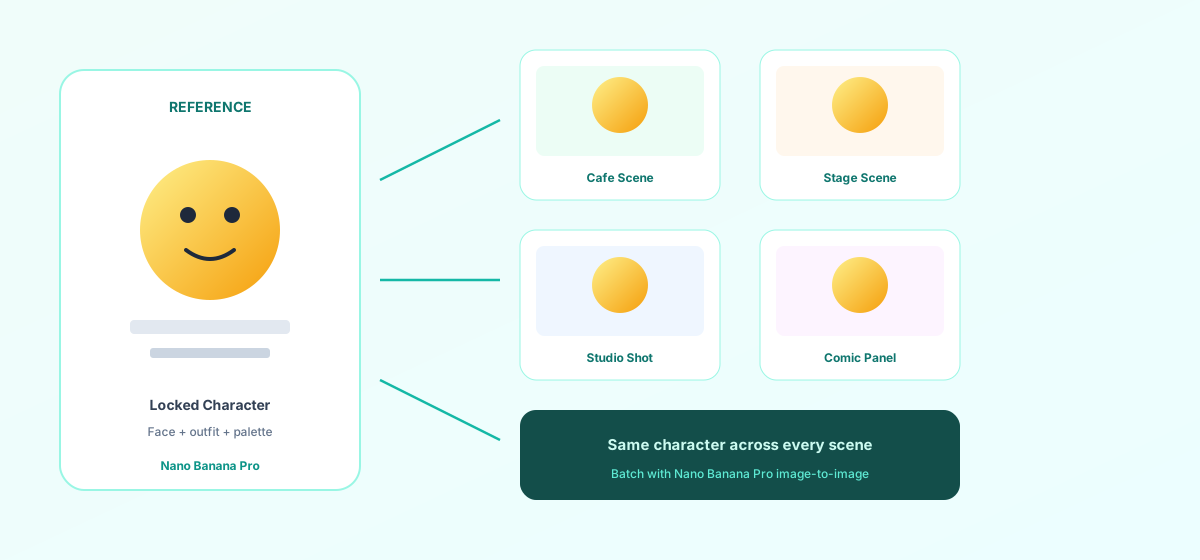
Team feedback: learner recognition improved noticeably; social comments included “same person this week” praise. Production cost was far below live photography or outsourced illustration. Structured prompts + Nano Banana Pro stable img2img make character assets truly reusable at scale.
Conclusion: Save Creativity for the Persona, Consistency for the Workflow
IP operations come down to recognizability and reusability. When character production shifts from “reimagine every image” to “reference sheet + template extension,” the team spends energy on story and conversion instead of firefighting drift.
Nano Banana Pro and Nano Banana fit this character-consistency SOP as execution engines—they do not replace creativity; they keep the same persona credible in any scene. Next time you launch a new IP, lock the sheet first, then open the three templates—you will find multi-scene batch generation in Nano Banana as clear as managing version numbers.
FAQ
Q: The character still slightly face-swaps—what do I do?
A: Lower denoise strength, emphasize “no face or hair changes” in the prompt, and always upload the same reference sheet. Nano Banana Pro img2img is stabler than pure txt2img; if drift persists, fix the sheet before extending—never use a drifted image as the new reference.
Q: Same character needs multiple outfits—how?
A: Create separate reference sheet versions per outfit (v1 daily / v2 formal). Scene extensions cite only the matching version—avoid temp outfit changes in a single prompt, which causes feature chaos.
Q: How should Nano Banana and Nano Banana Pro divide work?
A: Nano Banana Pro for final reference sheet sign-off and high-demand scene extensions; Nano Banana for expression variants and multi-turn tweaks. Templates are shared—pick the entry by account access.