Nano Banana Pro App Store Screenshot Localization Batch Workflow
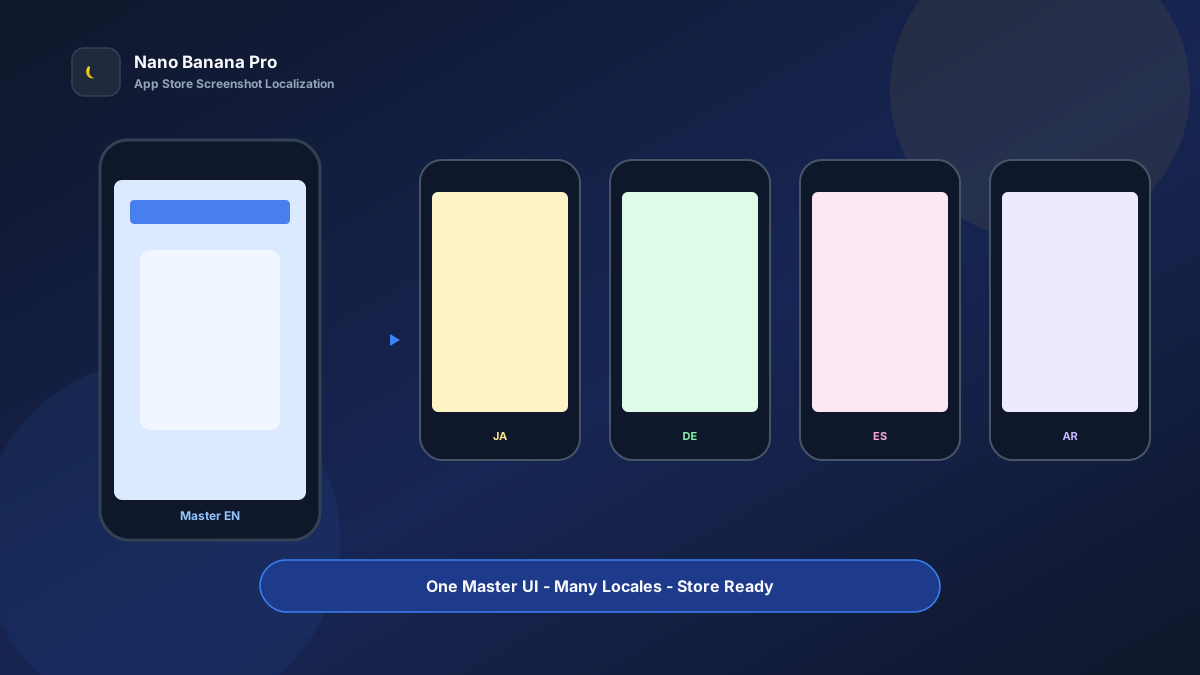
The bottleneck for global apps is often screenshot localization: once five English creatives are locked, you still need Japanese, German, Spanish, Arabic, and more. Designers rewrite headlines, retune type, and swap device frames shot by shot—a week slips by and the ASO window is gone. Nano Banana Pro with Nano Banana img2img turns “one English master screenshot + three template prompts” into a replicable app store screenshot localization batch workflow: lock UI composition first, then batch-replace localized copy and sizes. This article covers the full SOP.
Why Store Screenshots Must Lock the Master First, Then Localize?
Many teams rebuild every language from scratch, so UI angles drift, shadows mismatch, and device frames thicken or thin at random—hurting both review risk and brand feel. The scientific approach is to treat the English (or source-language) Master screenshot as the single composition source of truth, and during localization change only headline copy and necessary layout direction (e.g. Arabic RTL)—never redraw the UI.
Nano Banana Pro builds on the fast generation experience of Nano Banana and suits commercial ASO cases that need crisp UI, readable type, and stable device frames. Split the flow into three steps—Master screenshot → multilingual headline variants → multi-device size pack—and you batch-produce listing assets like a pipeline.
Workflow Overview: One Master, Three Output Types
Follow strict order: after the Master is signed off, every language and size uses it as reference so the store page style does not split. The three prompt templates below can be copied into Nano Banana / Nano Banana Pro—replace [brackets] with your product details.
| Stage | Output Type | Typical Use | Core Constraints |
|---|---|---|---|
| 1 | Master screenshot (source language) | App Store / Play primary market | Lock UI, device frame, selling-point hierarchy |
| 2 | Multilingual headline variants | Country/region store pages | Change copy only; do not change UI composition |
| 3 | Multi-device size pack | iPhone / iPad / Android | Ratio-compliant; keep information intact |
Stage 1: Master Screenshot (ASO Single Source of Truth)
Use for: utilities, social, productivity, soft-launch games, and any app that needs multi-market listings.
Key steps
- Export real UI screenshots (or high-fidelity prototypes) and prepare 3–5 core selling-point headlines.
- Generate a framed vertical Master (iPhone-ratio feel) with a clear, readable headline area.
- Archive with a version name (e.g.
aso-master-01-en.png) and reuse the same skeleton across all languages.
Generate an app store promotional screenshot master, vertical phone composition, center shows the real [App name] UI, UI content clear and readable, forbid blurry or garbled text;

Large headline at top or bottom: "[English selling-point headline, ≤6 words]", bold heavy type, high contrast;
Use a clean [light / brand gradient] background, add a modern phone device frame with natural shadow;
Overall suitable as App Store first screenshot, tone consistent with Nano Banana product visual standards: clear UI, readable headline, no cluttered decoration.
Pro tip: Store review cares that “the UI looks real.” Always use a real screenshot as the img2img reference and state “forbid rewriting in-UI text into garbled characters.” In practice on Nano Banana Pro, localization pass rates after Master lock are clearly higher than rebuilding every language from scratch.
Stage 2: Multilingual Headline Variants (Swap Copy, Not Composition)
After the Master is locked, batch-replace headlines by target market. Priority languages often include Japanese, German, Spanish, French, Portuguese, and Arabic.
Based on the uploaded app store Master screenshot, generate a [target language] localized version: must keep phone frame, App UI layout, background, and shadows identical; forbid redrawing the UI;

Only replace the large headline with "[localized selling-point copy]", keep high contrast and clear readability;
For [Arabic and other RTL languages] you may mirror headline alignment, but do not flip the main UI;
Output suitable for the matching country/region store page, style consistent with Nano Banana ASO standards.
Nano Banana multi-turn dialogue works well for micro-fixes: “make the headline 10% larger” or “shorten the subtitle”—faster than rewriting the full prompt. Map each Master to fixed selling-point slots:
- Screenshot 1: core value proposition
- Screenshot 2: key feature demo
- Screenshot 3: social proof / efficiency metrics
- Screenshot 4: scenario-based usage
- Screenshot 5: security / privacy / differentiation
Stage 3: Multi-Device Size Pack (iPhone / iPad / Android)
After language copy is final, extend device specs—avoid rebuilding composition per size and warping the UI. Prepare at least:
- Vertical phone: primary store screenshots
- Larger phone / Android ratio: Play Store
- iPad / tablet landscape or portrait: tablet listing (if needed)
Based on the uploaded store screenshot, adapt to [target device ratio: vertical phone / tablet] app store assets;

Strictly keep App UI content, device-frame style, and selling-point headline; only adjust whitespace and frame by target ratio;
Forbid stretching the UI so buttons warp; keep the headline clear and readable;
Output ready to upload to App Store Connect / Google Play Console, style consistent with Nano Banana standards.
Brand Consistency: Multilingual Must Not Look Like Multiple Apps
The most common batch-localization failure is swapping a new background color per language. When building an ASO matrix in Nano Banana Pro, lock these habits:
- Same device frame and shadow parameters
- Same headline weight and position slot
- Fixed suffix line: “Consistent with Nano Banana app store visual standards: clear UI, readable headlines, unified cross-language composition”
If a market needs different selling-point hooks, run copy A/B on the same Master—do not change background and UI at the same time.
Batch Checklist (Countdown to the Listing Window)
Count backward from the listing window:
| Day | Task | Tool |
|---|---|---|
| D-5 | Lock source-language 5 selling-point lines and UI screenshots | Product docs |
| D-4 | Generate Master screenshot set (Template 1) | Nano Banana Pro |
| D-3 | Translate market headlines and term QA | Localization sheet |
| D-2 | Batch multilingual variants (Template 2) | Nano Banana Pro |
| D-1 | Extend phone / tablet sizes (Template 3) | Nano Banana |
| D-0 | Upload to store consoles and submit for review | ASC / Play Console |
Efficiency reference: Once fluent, “1 set of 5 Masters × 6 languages” can reach first draft in about 1–2 business days—far faster than designers editing type shot by shot. The Nano Banana Pro batch workflow is especially strong for fast screenshot refreshes after version updates.
Case Study: Productivity App Ships 6-Language Listing Art in One Week
A productivity app needed English, Japanese, German, Spanish, French, and Portuguese store pages live together with tight design capacity.
- Input: 5 English high-fidelity UI shots + brand blue palette
- Step 1: Stage 1 template produced five Masters with a unified device frame
- Step 2: Batch-replaced headlines per localization sheet
- Step 3: Extended one Android-ratio set and one iPad set
- Output: Upload-ready asset pack, entire pipeline in Nano Banana
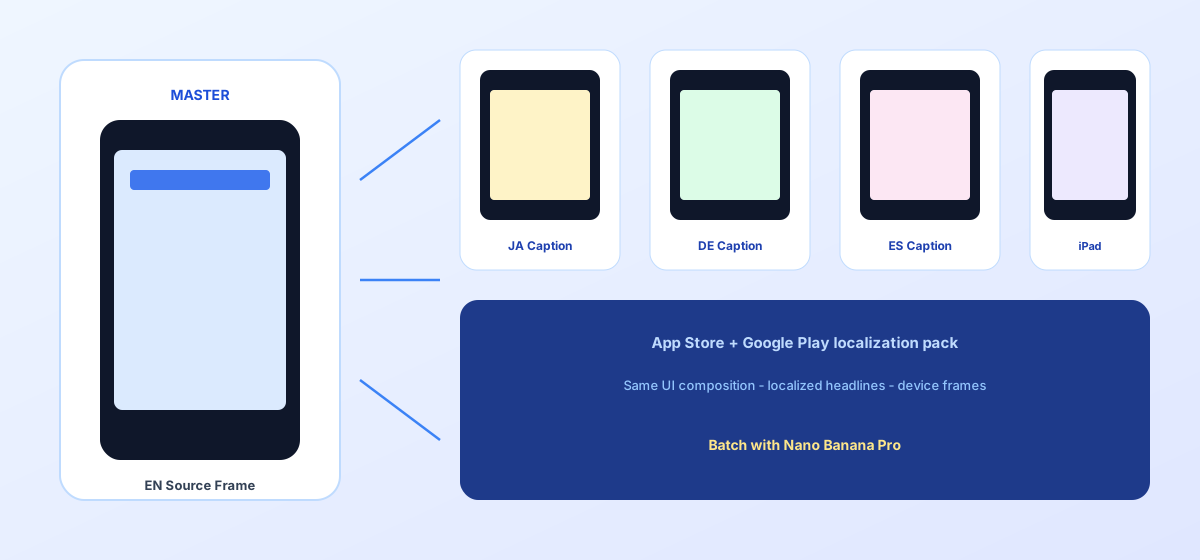
Team feedback: localization cycle compressed from about 8 days to 2; visual consistency across languages; review passed on the first submission. Structured prompts + stable Nano Banana Pro img2img let growth teams spend energy on ASO keywords and conversion experiments.
Conclusion: Keep Creativity for Selling Points, Localization for the Workflow
International growth is about speed and consistency. When store screenshots shift from “rebuild every language” to “Master + copy matrix,” you cover more markets faster. Nano Banana Pro and Nano Banana fit as the execution engine for this ASO SOP—not replacing product design, but helping the same UI story be seen in many languages.
Before the next version update, lock the Master first, then open the three templates—you will find app store screenshot localization in Nano Banana as clear and controllable as filling a release checklist.
FAQ
Q: Will small text inside the UI turn into garbled characters?
A: Always upload a real UI screenshot as reference and state “keep in-UI text clear; forbid garbled characters.” Large headlines are safer outside the UI in the title area; Nano Banana Pro img2img is more reliable than pure txt2img.
Q: How should Arabic and other RTL languages be handled?
A: Mirror headline alignment only; do not casually flip the entire UI horizontally (icons can reverse incorrectly). Produce one sample for human QA, then batch.
Q: How should Nano Banana and Nano Banana Pro divide work?
A: Nano Banana Pro suits Master sign-off and high-demand localization; Nano Banana suits size extension and multi-turn tweaks. Templates are shared—pick the entry by account access.