Nano banana Prompts: Product Infographics
Product infographics explain structure, scale, and materials in one frame—ideal for e-commerce, crowdfunding, manuals, and social posts. Nano Banana 2 (nanobanana2) handles realistic product + annotated overlay well when nanobanana prompts are explicit. This nanobanana tutorial shows a reusable structure and the nanobanana entry to generate.
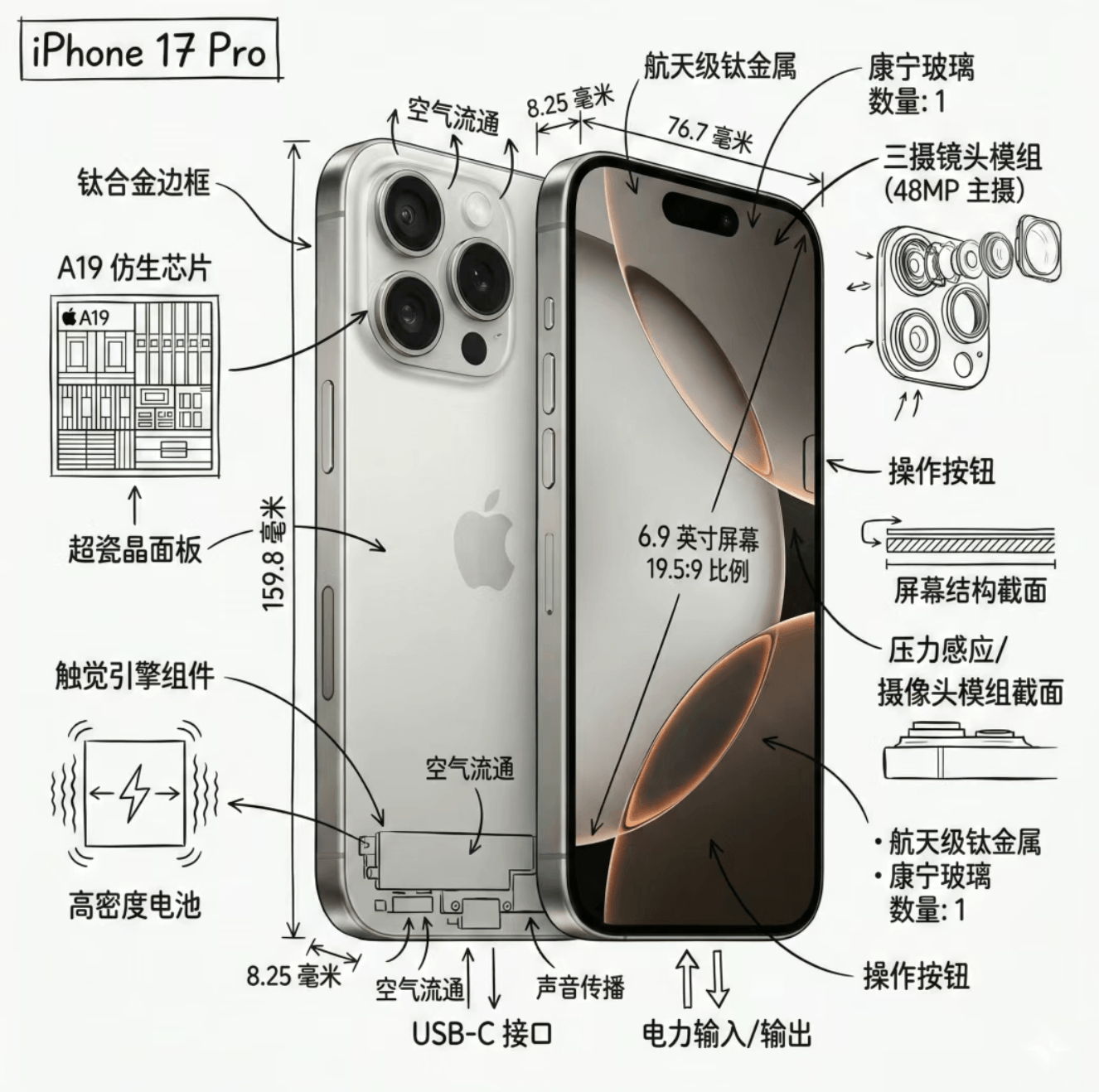
What product infographics solve
| Use case | Benefit |
|---|---|
| Launch | Components and features at a glance |
| Manuals / Kickstarter | Technical + readable |
| Social | Square format, high information density |
Prompt skeleton
Combine photorealistic product, technical overlay, white background, black line art, and fixed output size.
Example core (replace [PRODUCT]):
Create an infographic for [PRODUCT]. Combine a photorealistic render with a technical annotation layer. White studio background. Black ink-style lines and labels (technical pen look). Include: key part labels, exploded or cutaway outlines if applicable, dimensions, material callouts, simple arrows for flow. Title [PRODUCT] in a corner technical box. Black lines only on white. Output 1080×1080, crisp, no watermark.
Tips for stable results
- State product stays visible under annotations.
- Lock palette when you need monochrome technical style.
- Specify resolution and aspect ratio.
- For brand text, add a separate spelling constraint.
Iteration
If labels crowd the frame, ask for a zoomed inset or second panel in the next prompt instead of rewriting everything.
nanobanana2 vs other tasks
Product sheets focus on exploded views and callouts; interior scenes focus on space. Use different verbs (exploded view, schematic) accordingly.