Nano Banana: 5 Prompt Templates for Interior Design
Designers often need photorealistic visuals from sketches, empty rooms, or old photos—without full 3D modeling. Nano Banana 2 (nanobanana2) balances speed and quality: with clear nanobanana prompts, you can swap materials, stage furniture, shift style, change camera angles, and add annotations. This nanobanana tutorial packs five high-frequency templates plus a practical formula, and points to the nanobanana entry for generation.
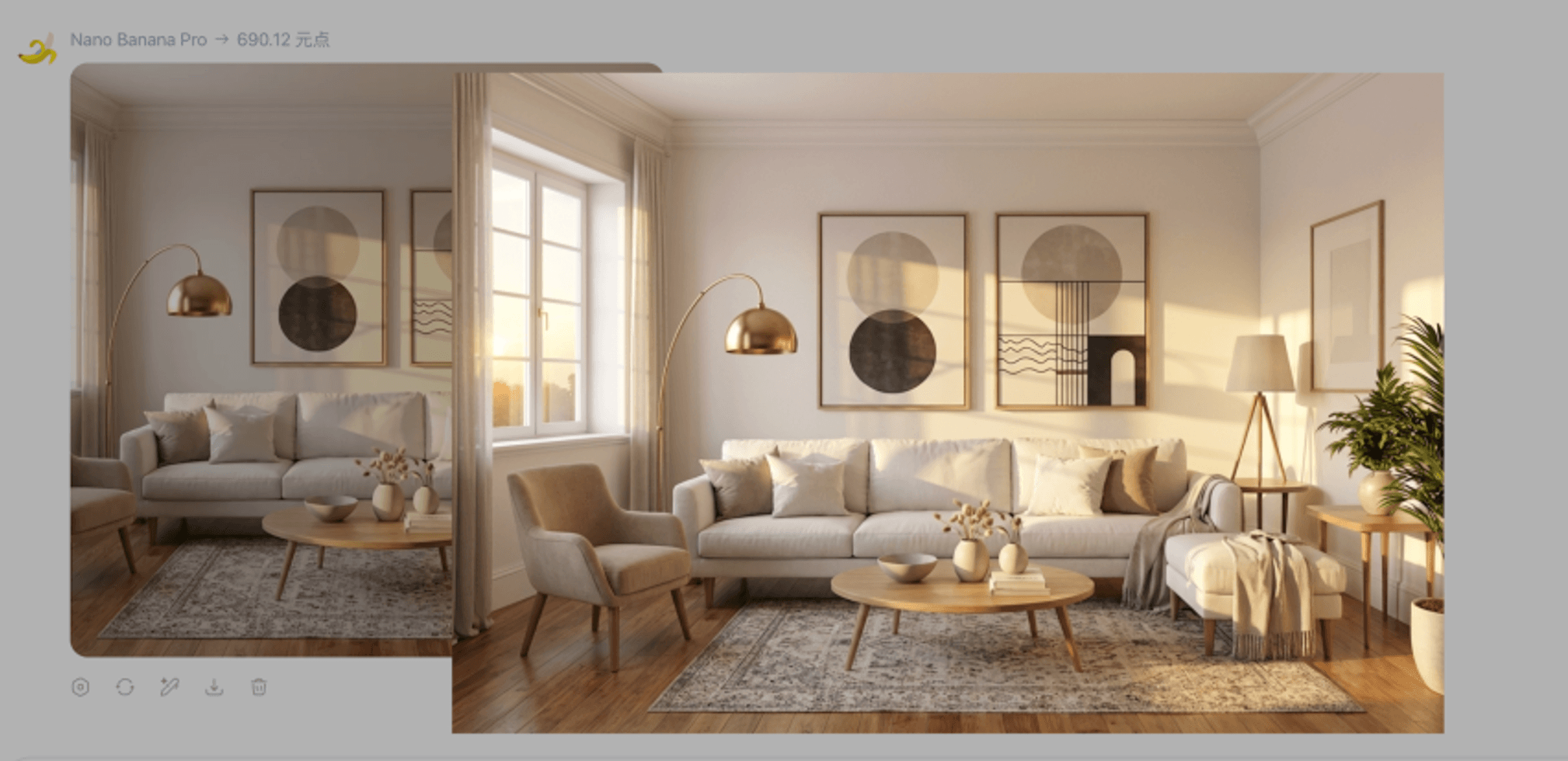
What nanobanana2 helps with in interiors
- Fast iteration for early concepts and client reviews.
- Controlled edits when verbs and constraints are explicit.
- Good fit for material changes, staging, layout-locked style, top-down views, and presentation overlays.
Treat outputs as visual communication aids; verify dimensions and code compliance separately.
Four-part prompt formula
| Block | Role | Examples |
|---|---|---|
| Role | Tell the model the job | interior design visualizer |
| Action | replace / stage / render / annotate | verbs define the edit scope |
| Details | materials, light, palette | matte wood, indirect lighting |
| Constraints | what must not change | keep layout, keep furniture |
Five copy-ready templates
1) Local material swap
You are an interior design visualizer. Change the [bed back wall] to [floral wallpaper]. It is crucial to keep all other furniture, the bed, and the lighting exactly the same. Blend the new material realistically with existing shadows.
2) Staging an empty room
Stage this empty room as a [modern bedroom]. Add [a double bed, a rug, and a wardrobe]. Strictly maintain the existing architecture, windows, flooring, and perspective.
3) Style transfer, layout locked
Render a photorealistic 3D perspective based strictly on the layout of this image. Apply a [warm minimalist style]. Do not move walls or change furniture positions.
4) Top-down / flat lay
Generate a direct top-down view of the scene. The subject is [living room seating area]. Keep furniture arrangement. High angle, soft lighting.
5) Annotation overlay
Annotate this image for a design presentation. Highlight the [sofa] with a [soft glow] and add dimension labels. Keep the photo unchanged; overlay only.
Pitfalls: verbs and specificity
- Prefer render, stage, annotate, replace over vague “redesign everything.”
- Describe what must stay in concrete terms (objects, colors, positions).
- For iterative fixes, refer to the previous result instead of rewriting from scratch every time.
One-line local edit pattern
Action + area + desired look + constraints
Example: Change the floor to light oak; keep walls and furniture unchanged.
Summary
Structured nanobanana prompts make nanobanana2 predictable for interior workflows. Use the nanobanana entry below to open the generator when you are ready.