Nano Banana: 인테리어용 프롬프트 템플릿 5가지
디자이너는 스케치, 빈 공간 사진, 기존 현장 사진만으로도 빠르게 설득력 있는 결과물을 만들어야 할 때가 많습니다.
전체 3D 모델링을 하기 어려운 상황에서 Nano Banana 2 (nanobanana2) 는 속도와 품질의 균형이 좋고, 프롬프트를 구조화하면 수정 방향도 예측 가능합니다.
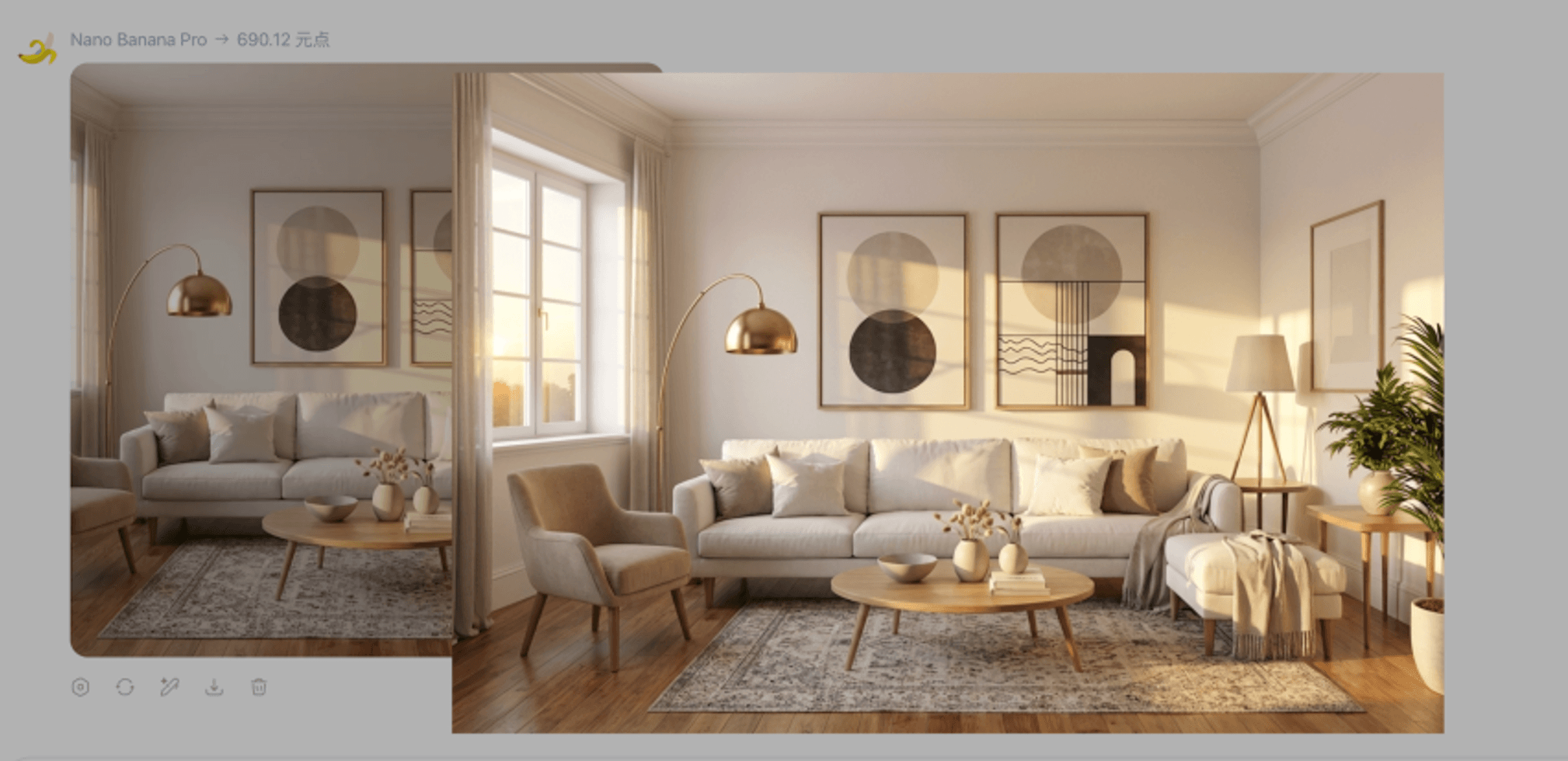
인테리어에서 nanobanana2가 강한 영역
- 초기 컨셉/클라이언트 리뷰용 빠른 시안 반복
- 동사와 제약을 명확히 줬을 때의 정밀 수정
- 소재 변경, 가구 배치, 레이아웃 고정 스타일 전환, 상부뷰, 발표용 주석 오버레이
결과물은 커뮤니케이션용 시안으로 활용하고, 실제 시공 치수/법규 검토는 별도로 진행하세요.
4단계 프롬프트 공식
| 블록 | 역할 | 예시 |
|---|---|---|
| Role | 모델 역할 지정 | interior design visualizer |
| Action | 수행 동작 지정 | replace / stage / render / annotate |
| Details | 재질·조명·색감 | matte wood, indirect lighting |
| Constraints | 유지 조건 지정 | keep layout, keep furniture |
바로 쓰는 템플릿 5개
1) 국소 소재 교체
You are an interior design visualizer. Change the [bed back wall] to [floral wallpaper]. It is crucial to keep all other furniture, the bed, and the lighting exactly the same. Blend the new material realistically with existing shadows.
2) 빈 공간 스타일링
Stage this empty room as a [modern bedroom]. Add [a double bed, a rug, and a wardrobe]. Strictly maintain the existing architecture, windows, flooring, and perspective.
3) 레이아웃 고정 스타일 전환
Render a photorealistic 3D perspective based strictly on the layout of this image. Apply a [warm minimalist style]. Do not move walls or change furniture positions.
4) 탑뷰 / 플랫레이
Generate a direct top-down view of the scene. The subject is [living room seating area]. Keep furniture arrangement. High angle, soft lighting.
5) 발표용 주석 오버레이
Annotate this image for a design presentation. Highlight the [sofa] with a [soft glow] and add dimension labels. Keep the photo unchanged; overlay only.
실패를 줄이는 포인트
redesign everything같은 포괄 지시보다render / stage / annotate / replace처럼 동작을 명확히 쓰기- 무엇을 유지할지(객체, 위치, 조명)를 구체적으로 명시
- 반복 수정 시 매번 처음부터 쓰기보다 이전 결과를 기준으로 미세 조정
한 줄 수정 패턴
Action + 대상 영역 + 원하는 상태 + 유지 조건
예시: Change the floor to light oak; keep walls and furniture unchanged.
마무리
프롬프트를 구조화하면 nanobanana2 는 인테리어 실무에서도 충분히 예측 가능한 도구가 됩니다.
아래 버튼에서 바로 생성 워크플로로 이동할 수 있습니다.